Adobe Adds More User Control to AI Features Inside Lightroom and Photoshop
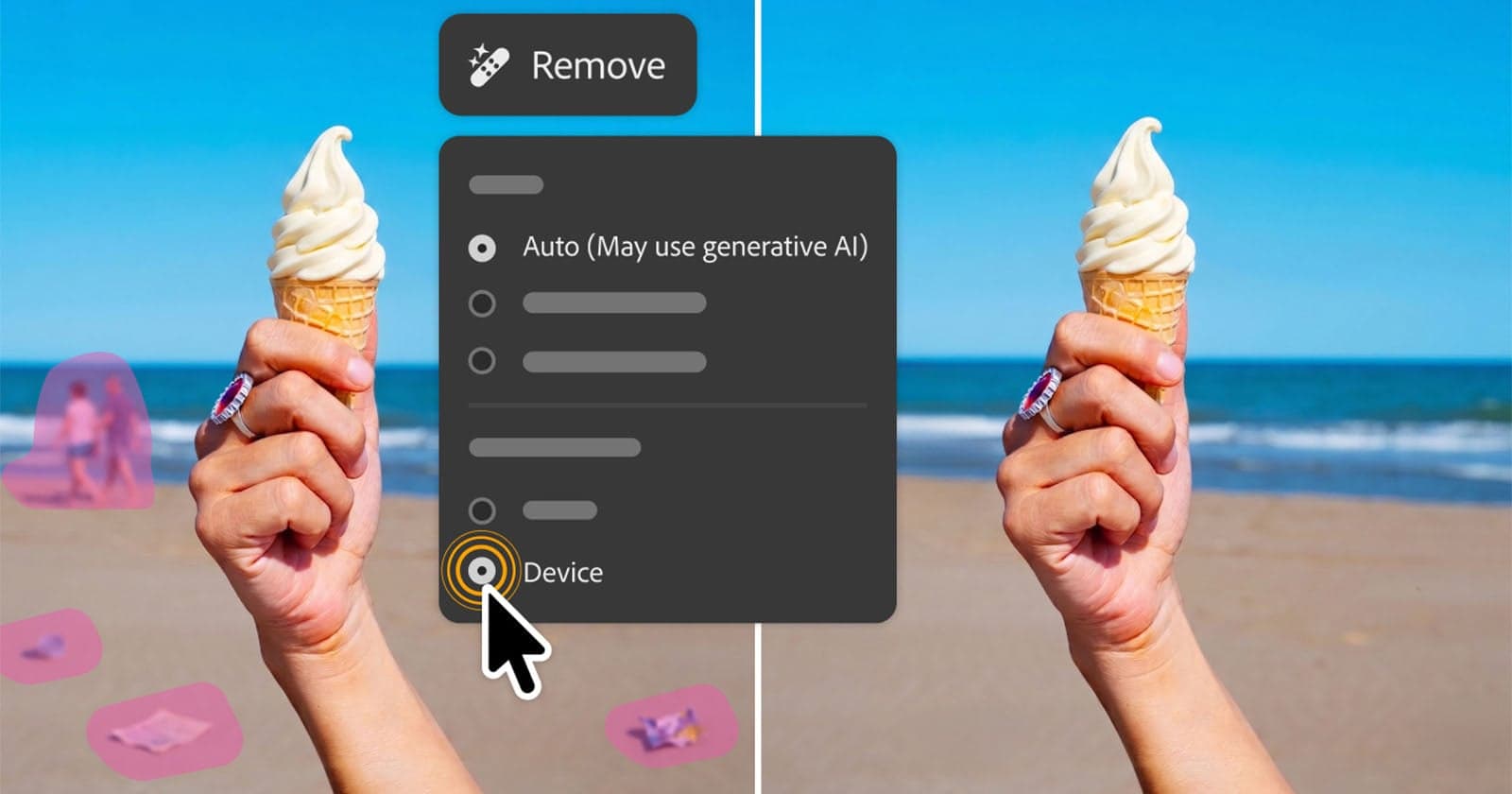
Adobe has updated its Creative Cloud suite with new AI-related controls in Lightroom and Photoshop, focusing on the parts of a photographer's workflow that tend to consume the most time - sorting and selecting images from large shoots. The company is framing the updates around a familiar pain point: spending hours reviewing thousands of frames from events or portrait sessions to find the images worth delivering to clients.
The core of the Lightroom changes appears to center on AI-powered photo culling, where the software can analyze a shoot and surface likely selects based on factors such as sharpness, exposure, and subject expression. Rather than simply automating that process invisibly, Adobe's newer approach emphasizes giving users the ability to adjust how the AI weighs different criteria, so the results align more closely with an individual photographer's preferences and style.
On the Photoshop side, the updates continue a broader trend of integrating generative and intelligent tools - such as Generative Fill and AI-based masking - with more explicit user-facing controls. This matters because photographers and retouchers have increasingly asked for clearer feedback on what the AI is doing and more ways to constrain or guide its output, rather than accepting a single result. Greater transparency in these tools helps professionals maintain a consistent creative vision while still benefiting from automated assistance.
Adobe has been steadily threading AI capabilities into its creative applications over the past few years, leaning on its Firefly model for generative features while keeping other AI functions - like subject selection and sky replacement - built on separate, longer-standing technology. The latest round of updates suggests the company is paying attention to feedback that more automation does not always mean a better experience, and that giving users meaningful control is just as important as the underlying capability itself.