Adobe Is Coming for Canva With Expanded ChatGPT Integration
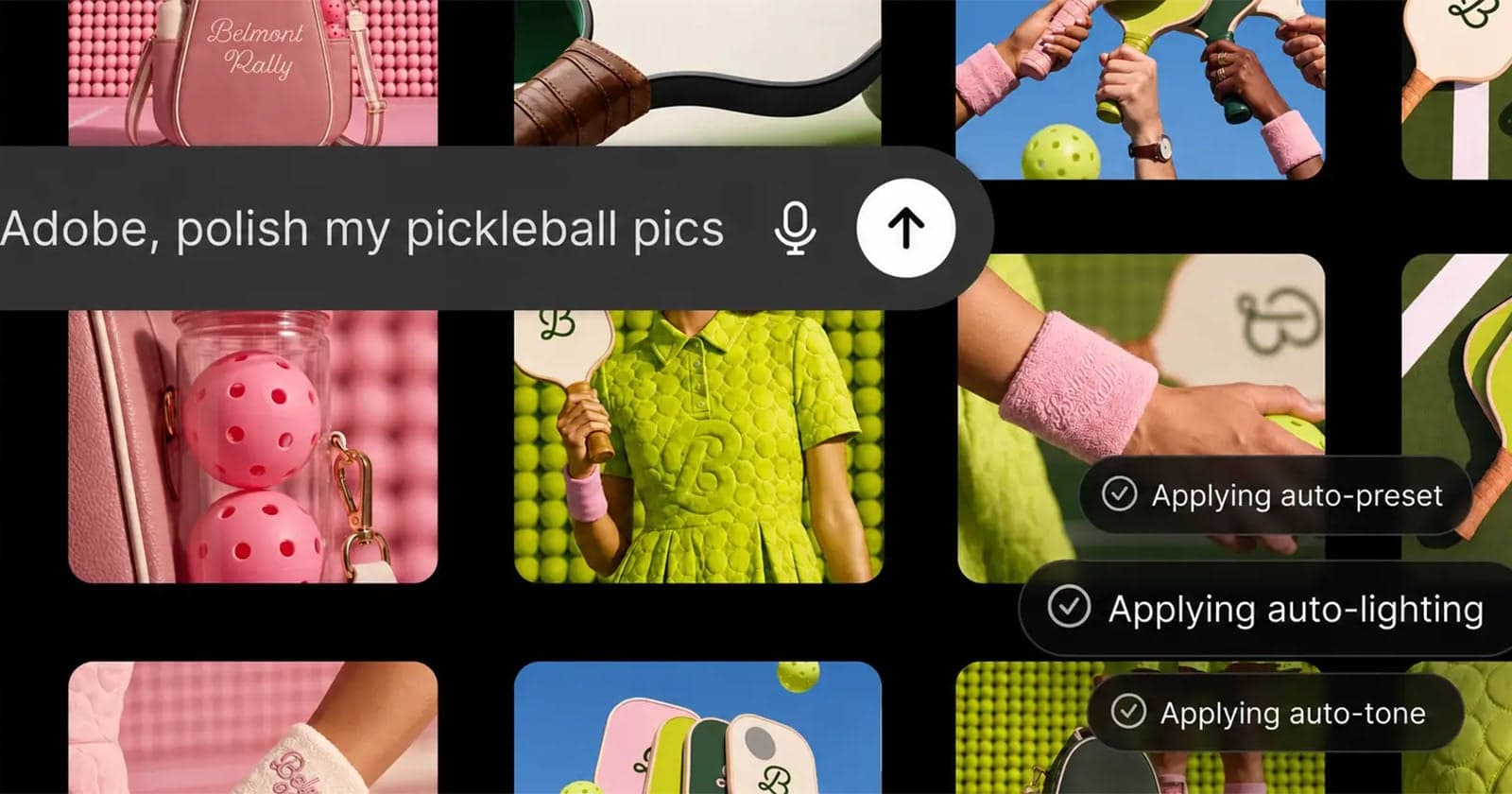
Adobe first established a foothold inside ChatGPT late last year, with integrations covering three of its most widely used tools - Photoshop, Express, and Acrobat. That initial rollout was a limited test of the concept, letting users invoke specific Adobe capabilities from within a conversational AI session. The new announcement goes considerably further, consolidating access to Adobe's full application lineup under a single plugin entry point.
The practical implication is that users can now move between Adobe's creative, document, and marketing tools without leaving the ChatGPT interface. That kind of unified access lowers the friction involved in multi-step creative workflows, particularly for users who already rely on ChatGPT as a starting point for ideation or content drafting. Whether that convenience translates into meaningful daily use will depend on how well the plugin handles the handoff between conversation and application.
The competitive context is hard to ignore. Canva has spent the past few years positioning itself as the approachable alternative to Adobe's professional suite, and its own AI integrations - including generative image tools and an AI assistant - have helped it attract a large base of non-specialist users. Adobe, by embedding its tools inside one of the most widely used AI interfaces, is attempting to meet that audience where they already are rather than requiring them to navigate to a separate platform.
From a product strategy standpoint, the expansion reflects a broader industry pattern of creative software companies treating large language model interfaces as distribution channels rather than competitors. Adobe's Firefly generative AI models underpin much of its AI feature work, and tighter ChatGPT integration could extend Firefly's reach to users who might not otherwise open a dedicated Adobe application. How much of the full feature depth survives inside a chat-based context remains an open question, but the direction Adobe is moving is clear.