Gemini for macOS adds new "Speak to Window" feature
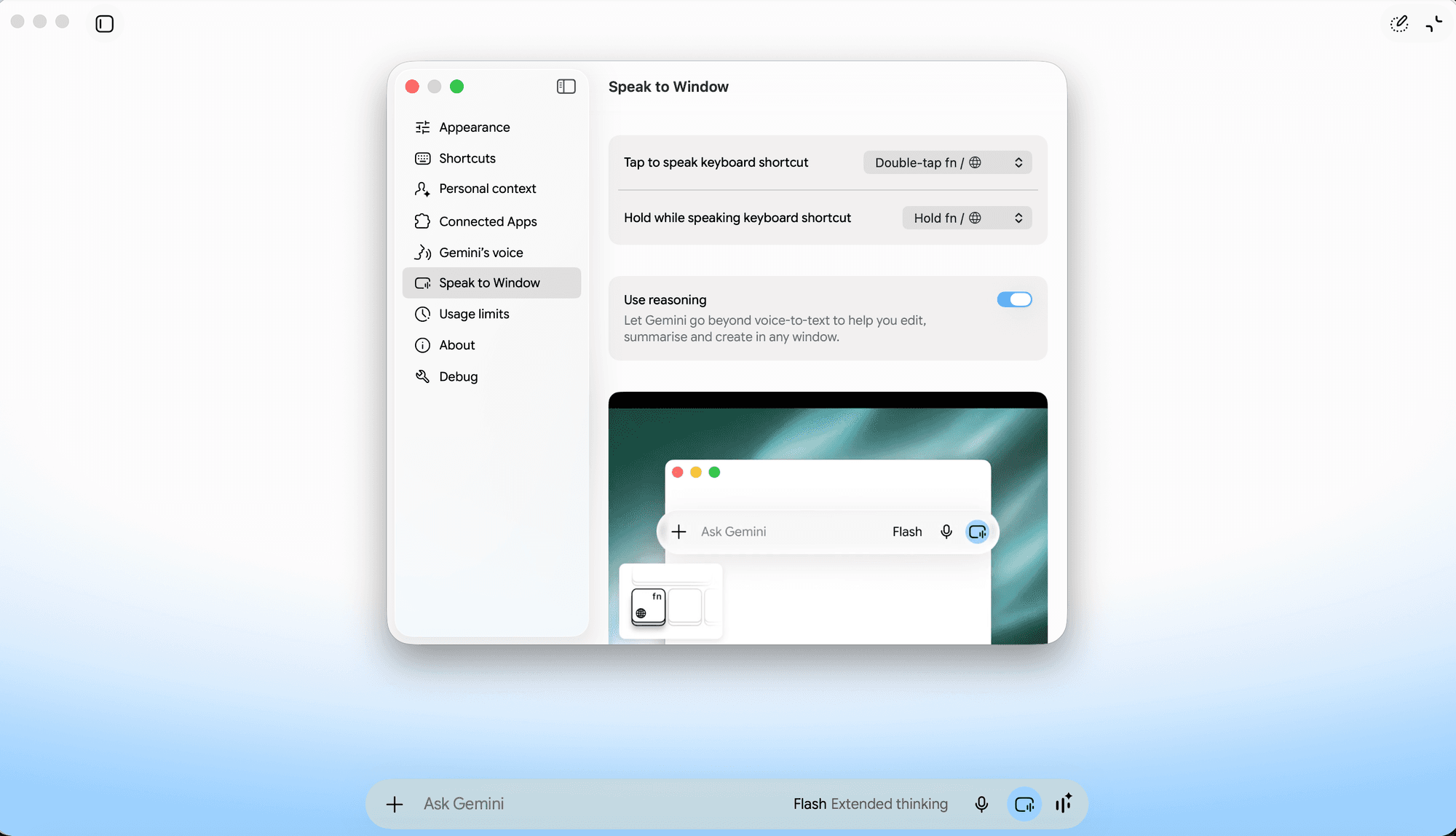
Google has added a "Speak to Window" feature to the Gemini app for macOS, broadening what the desktop client can do beyond simple chat interactions. The new capability allows users to direct voice input at any open window on their desktop, with Gemini processing that input to produce polished, ready-to-use text rather than raw transcription.
The feature covers several distinct use cases. Users can dictate text and have it cleaned up automatically, rewrite highlighted selections in a different tone or style, and summarize content visible in a local window - whether that is a document, a webpage, or another application. This positions Gemini as a system-level writing assistant on macOS, not just a standalone chat interface.
Image editing has also been brought into the macOS app as part of this update. While Google has offered image generation and editing through Gemini on the web, extending these tools to the native desktop client makes them more accessible within a typical Mac workflow, without requiring a browser to be open.
The additions reflect a broader pattern of AI assistants moving closer to the operating system layer, where they can act on whatever content a user is currently working with. For macOS users already in the Gemini ecosystem, "Speak to Window" in particular reduces the friction of switching between applications to get writing help - bringing contextual assistance directly to the window in focus. The feature is surfacing for users through the testing and early-access channels tracked by Testing Catalog.