gen‑ai.news
← Back
Image

Mixbook ‘Story Mode’ Lets You Describe How You Want a Photo Book to Look

Mixbook ‘Story Mode’ Lets You Describe How You Want a Photo Book to Look

Mixbook, the online photo book platform, has launched a feature called Story Mode that allows users to describe what they want their photo book to look like using natural language prompts. Rather than manually selecting layouts, themes, and arrangements, users can type out their intent - such as the mood, style, or occasion - and the underlying AI system interprets that input to build a draft book accordingly.

The company describes the technology behind Story Mode as "patent-pending AI," though it has not disclosed specifics about the model architecture or the image-layout pipeline it relies on. What is clear is that the system is designed to handle the organizational and aesthetic decisions that typically make photo book creation time-consuming, applying them automatically based on the user's description.

Mixbook says the practical result is a 3.5 times improvement in creation speed and a roughly 50 percent reduction in the time it takes a user to reach checkout. Those figures suggest the feature is aimed squarely at reducing drop-off - a known problem for photo book services, where the effort involved in manual customization often causes users to abandon projects before completing an order.

Prompt-based creative tools have become increasingly common in consumer software, but applying them to physical print products adds a layer of complexity. The AI not only has to interpret a user's description but also needs to make decisions about photo selection, sequencing, and layout in a way that translates well to a printed format. Story Mode represents one of the more direct applications of generative AI to the photo printing market, and how well it handles varied user inputs will likely determine whether it meaningfully changes how people engage with the platform.
Read at PetaPixel →
Share:X

Enjoy this story? Get the next one in your inbox.

Twice a week: the most important stories in generative image and video AI, distilled into a 2-minute read.

Free. Unsubscribe any time. No spam, ever.

Your next read

Trump Shares Doctored Photo That Appears to Replace Official With Natalie Harp
Image

Trump Shares Doctored Photo That Appears to Replace Official With Natalie Harp

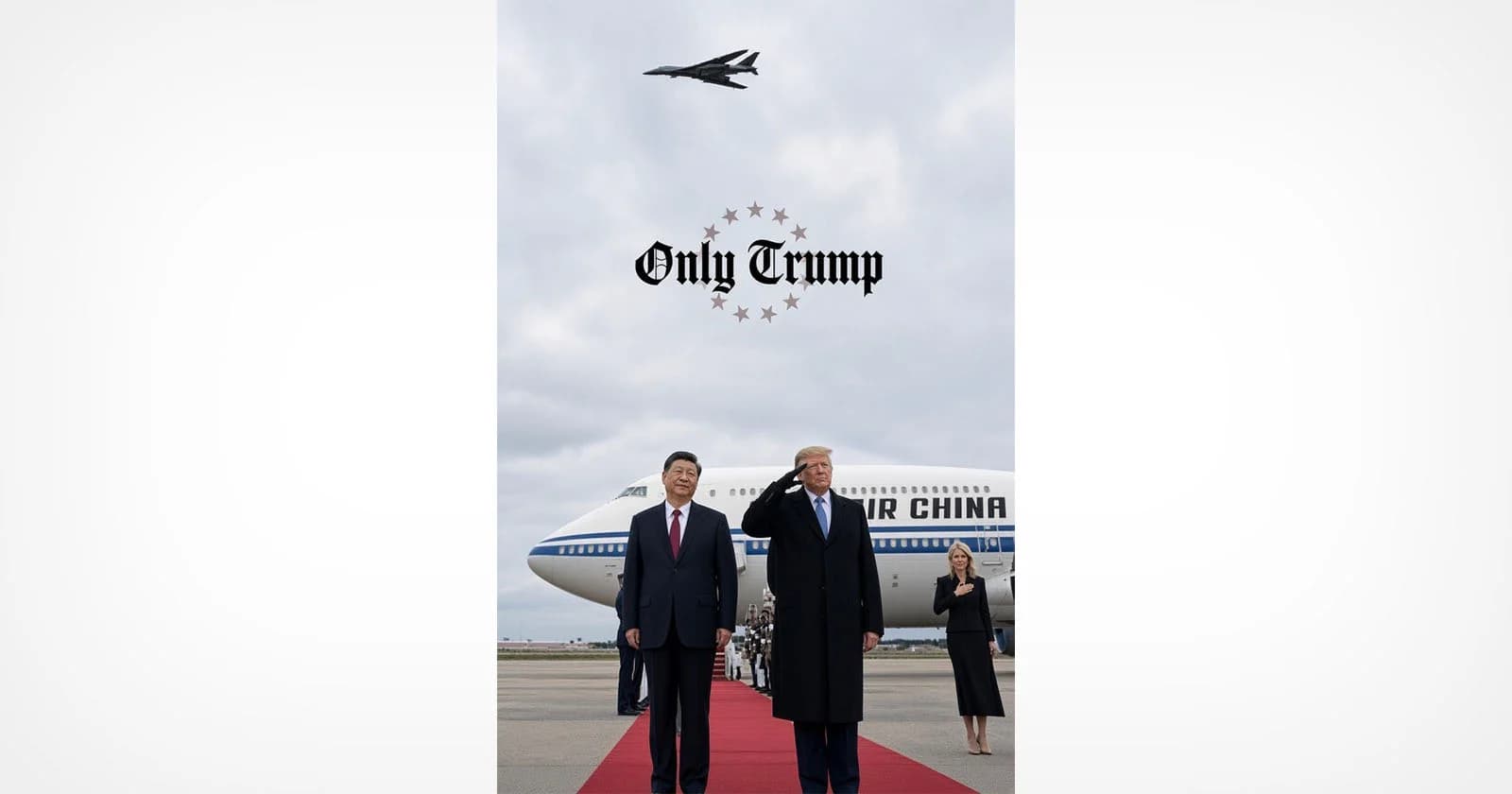
President Trump shared a doctored photo on Truth Social depicting himself alongside Chinese President Xi Jinping, with experts concluding that an official in the original image appears to have been replaced with Trump aide Natalie Harp. The incident adds to a growing pattern of manipulated images circulating at the highest levels of politics. It raises fresh questions about the role of AI-assisted photo editing in shaping public perception of diplomatic events.

You Can Edit Your Photos With Lightroom and Photoshop Inside Google Gemini
Image

You Can Edit Your Photos With Lightroom and Photoshop Inside Google Gemini

Adobe is bringing Lightroom and Photoshop editing capabilities directly into Google Gemini, allowing users to work with its tools without leaving the AI platform. The move extends Adobe's broader strategy of embedding its software into third-party AI environments, following earlier integrations with ChatGPT, Claude, Slack, and Microsoft Copilot.

No image
Image

Edit updates, thumbnail previews, and more

Midjourney has rolled out a set of interface updates on its alpha site, including live style previews that show how a prompt looks across different styles before committing to one. The update also brings thumbnail previews and refinements to the Edit workflow. These changes reflect the team's ongoing work to make the image generation and editing experience more interactive and informed.