gen‑ai.news
← Back
Image

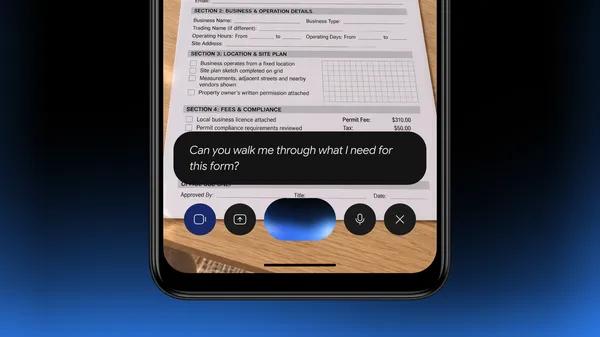
The Gemini app is now available on lower-memory Android devices.
The Gemini app is now available on lower-memory Android devices.

Google has updated the Gemini app to support Android devices with lower amounts of RAM, extending availability beyond the higher-end hardware the app originally required. The move brings the assistant to a wider slice of the Android ecosystem, where device specifications vary considerably across price points and regions.

Among the features now accessible on these devices are Gemini Live - Google's real-time, conversational voice interaction mode - and custom image creation, which lets users generate images directly within the app. Both had previously been limited to devices with more memory headroom, so their inclusion here is a meaningful step toward feature parity across hardware tiers.

The practical significance of this expansion is largely geographic and demographic. Android holds a commanding share of the global smartphone market, and a substantial portion of those devices are mid-range or budget models with modest memory configurations. By lowering the hardware floor, Google positions the Gemini app to reach users in markets across South and Southeast Asia, Latin America, and Africa, where lower-cost Android phones are the norm rather than the exception.

Google has not publicly detailed the specific minimum RAM threshold the updated app now supports, but the change reflects a broader industry trend of optimizing AI applications to run efficiently on constrained hardware. As on-device and hybrid AI processing matures, making capable AI assistants accessible on affordable devices is increasingly a competitive priority. Users with compatible lower-memory Android phones can download or update the Gemini app through the Google Play Store.


Enjoy this story? Get the next one in your inbox.

Twice a week: the most important stories in generative image and video AI, distilled into a 2-minute read.

Free. Unsubscribe any time. No spam, ever.

Your next read

Canva Adds Toggle to Disable Generative AI Features
Image

Canva Adds Toggle to Disable Generative AI Features

Canva is rolling out a setting that lets users turn off most of its generative AI tools, including AI image generation and features like Magic Expand. The option also reduces the amount of AI-generated content surfaced in the platform's content library. A subset of AI-powered tools - background removal and object selection - remain on by default, as Canva classifies them as editing aids rather than generative features.

Microsoft Launches MAI Image 2.7 Among Seven In-House Models at Ignite
Image

Microsoft Launches MAI Image 2.7 Among Seven In-House Models at Ignite

Microsoft revealed seven new models under its MAI brand at the Ignite 2026 conference, including an image generation model, MAI Image 2.7, alongside code, security, and language models. The strategy is explicitly about replacing third-party AI model costs with cheaper in-house alternatives across Microsoft's own products. The image model is one of several being built to run continuously in enterprise AI agent workflows.

Lightroom Alternative ACDSee Photo Studio Is Leaning Heavier Into AI
Image

Lightroom Alternative ACDSee Photo Studio Is Leaning Heavier Into AI

ACDSee Photo Studio has released version 27, adding a range of new features with a notable emphasis on AI-powered tools. The update positions the software as a more competitive option against Adobe Lightroom for photographers looking for alternatives. Several of the new capabilities target common editing workflows where AI assistance can meaningfully reduce manual effort.