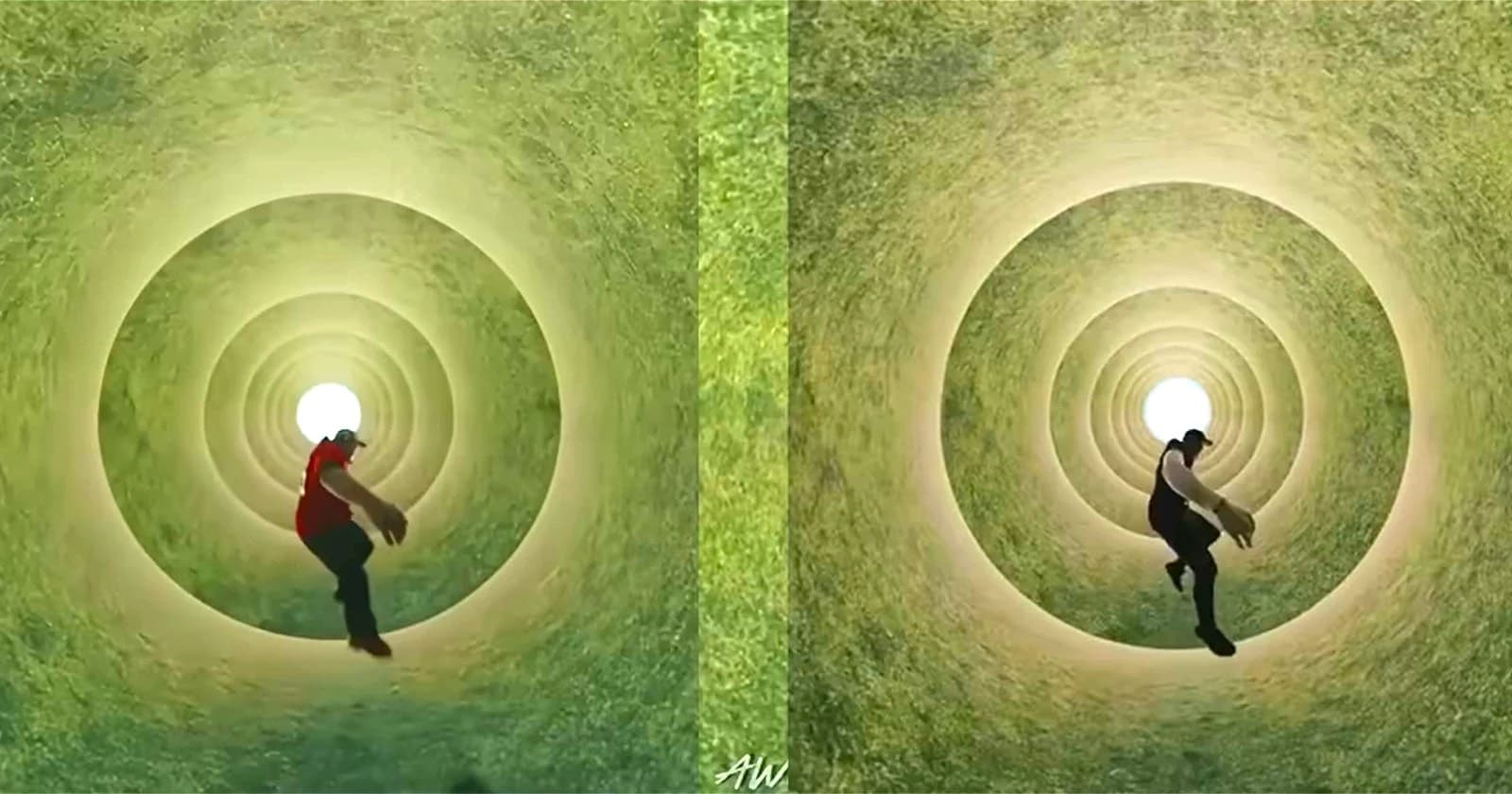
A Look at Some of Our Favorite Cinematic Suite Tools in Topview’s Film Studio 2.0

Topview's Film Studio 2.0 positions itself as a broader filmmaking environment rather than a simple AI clip generator. Its Cinematic Suite now includes more than 25 tools - covering visual style modifiers, storyboard previews, and a full 3D scene builder - alongside hundreds of what the platform calls Film Skills, which are reusable workflow presets inspired by directorial styles, action sequences, and genre aesthetics. Users can also build and save their own Film Skills to replicate specific shots or creative approaches across projects.
No Film School's hands-on overview singles out five tools as particularly useful entry points. The Actor Expression Enhancer addresses one of the more persistent weaknesses in AI video: flat or unconvincing character performance. The tool allows users to give specific directorial instructions, adjusting subtle details like eyeline direction or emotional delivery. The Clip Edit tool, meanwhile, offers targeted editing of individual clips without requiring a full regeneration - its recently added mask-based editing feature adds another layer of precision for users who want to isolate and adjust specific areas of a frame.
On the more technically demanding end, the 3D Builder lets users block scenes spatially, reposition subjects, and move a virtual camera before any generation takes place. This kind of pre-visualization has long been standard in traditional production pipelines, and having it integrated into an AI video platform represents a meaningful step toward giving creators more deliberate control over composition and movement. The Storyboard Preview tool serves a similar planning function, letting users work through image-based storyboards before committing to video generation - a workflow that mirrors how conventional productions develop shot lists and visual references.
Rounding out the highlights is the Film Genre Skills library, which contains over 200 preset cinematic styles. These can function as a starting point for establishing a visual tone or simply as a way to experiment with aesthetics before settling on a direction. Taken together, the tools in Topview's Cinematic Suite reflect a broader trend in AI video platforms toward giving creators more structured, stage-by-stage control over the production process - moving away from single-prompt generation and toward something closer to an actual editing and directing workflow.