Google Flow brings new creative control features to enhance video editing.
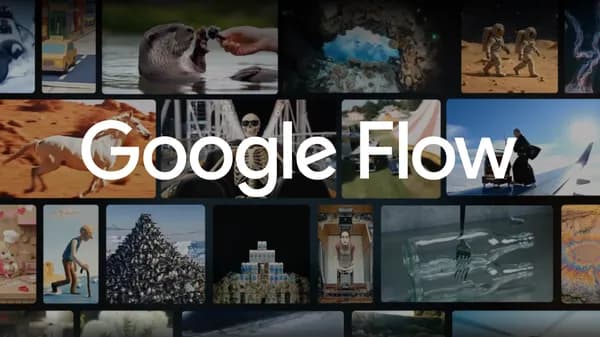
Google Flow, the company's AI-powered video creation tool, is receiving a fresh round of updates centered on giving users finer control over how their videos are generated and edited. The additions follow the initial launch of Gemini 2.5 Flash within Flow at Google I/O, and the new capabilities arrive via the upgraded Gemini 2.5 Flash 1.1 model. The updates are rolling out now to Flow users.
The core theme of this release is creative control - moving beyond simple prompt-to-video generation toward tools that let creators make more deliberate, directed choices about the content they produce. While specifics vary, this class of feature typically includes things like camera angle guidance, scene consistency across cuts, character or style retention, and finer editing of individual clips within a longer sequence. These kinds of controls matter because early AI video tools often produced results that were difficult to steer predictably, making them hard to incorporate into real production pipelines.
Flow sits within Google Labs and is positioned as a tool for filmmakers and video creatives rather than casual users. It draws on Google's Veo video generation models alongside Gemini for understanding and instruction-following, combining generative video with a more structured editing environment. The integration of Gemini 2.5 Flash is notable because that model is optimized for speed and efficiency, which helps keep the iteration cycle short when a creator is refining a shot or sequence.
The broader context here is a competitive one. Video generation has become one of the more active areas in generative AI, with tools from OpenAI, Runway, and others each staking out different approaches to quality, control, and workflow integration. Google's angle with Flow appears to be leaning into the editing and production side of the equation - treating AI generation as one step in a larger creative process rather than a standalone output. These new control features reinforce that direction, and further updates to Flow are likely as the underlying Gemini and Veo models continue to develop.