How to use Google's SynthID AI detection website
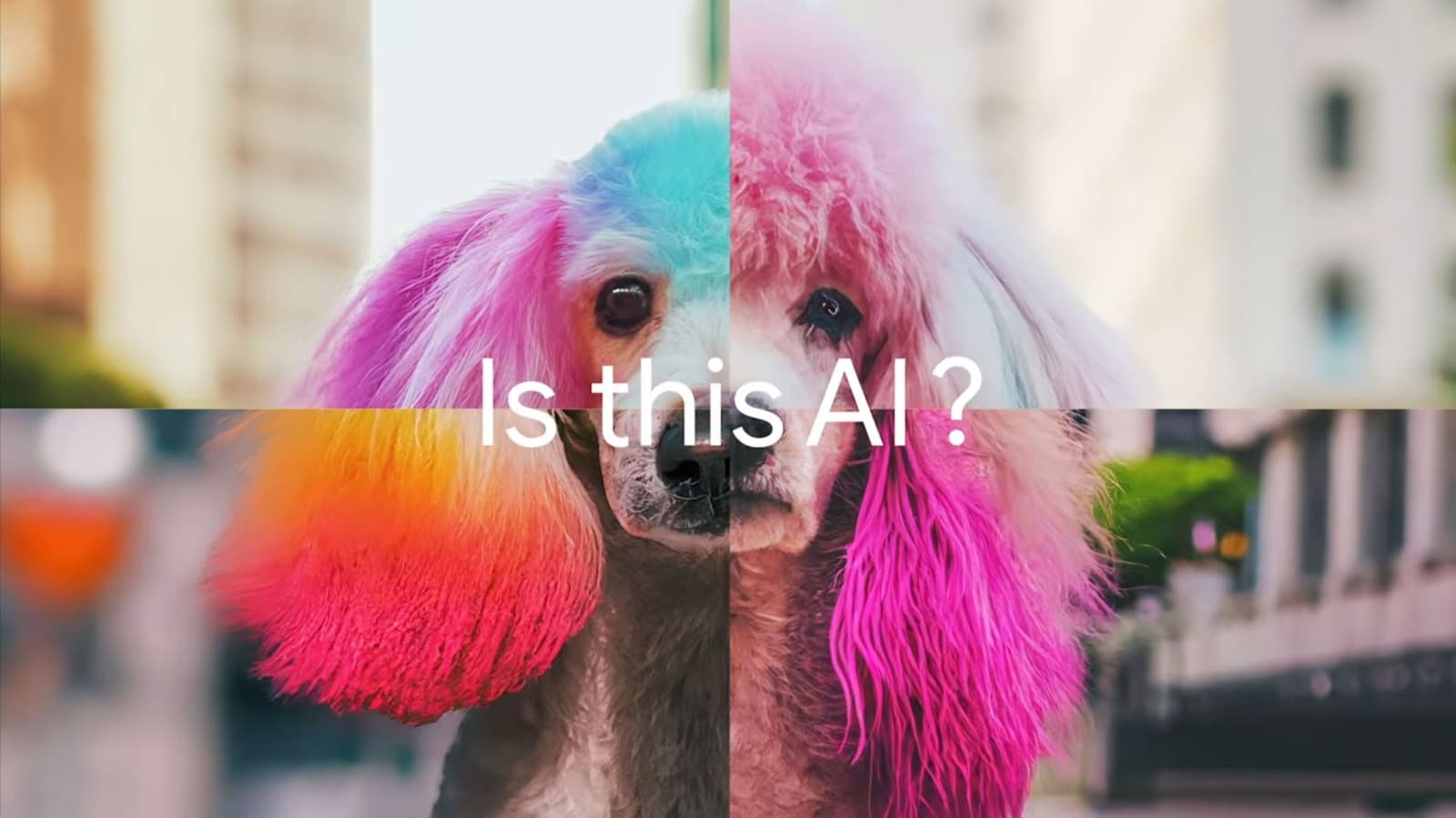
Google's SynthID is a watermarking system designed to embed imperceptible signals into AI-generated images, and the company has made a web-based tool available that lets anyone check whether a given image carries one of those watermarks. The process is relatively simple: users upload an image to the SynthID detector site and receive a readout indicating whether a watermark was detected and, if so, how confidently.
The watermark itself is not visible to the human eye and is embedded at the pixel level during the image generation process. Google has built SynthID into several of its own image generation products, including those powered by its Imagen model. Because the signal is woven into the image data rather than attached as metadata, it is designed to survive common edits like cropping, color adjustments, and compression - though no watermarking system is entirely resistant to determined removal efforts.
There are meaningful caveats to keep in mind. SynthID can only detect watermarks that Google's own tools placed there in the first place. Images produced by third-party generators - Midjourney, Stable Diffusion, DALL-E, and others - will not carry a SynthID watermark, so a clean result does not mean an image is free of AI involvement. The tool is best understood as a way to confirm Google-origin AI imagery, not as a universal AI detection system.
The broader context here is that AI-generated imagery is becoming harder to distinguish from photographs and human-made illustrations. Watermarking is one approach to maintaining some level of traceability, and Google has been among the more active proponents of the technology, even contributing to the Coalition for Content Provenance and Authenticity (C2PA) standards effort. SynthID's public-facing detector is a practical step toward making that traceability accessible to everyday users, even if its scope remains tied to Google's own ecosystem for now.